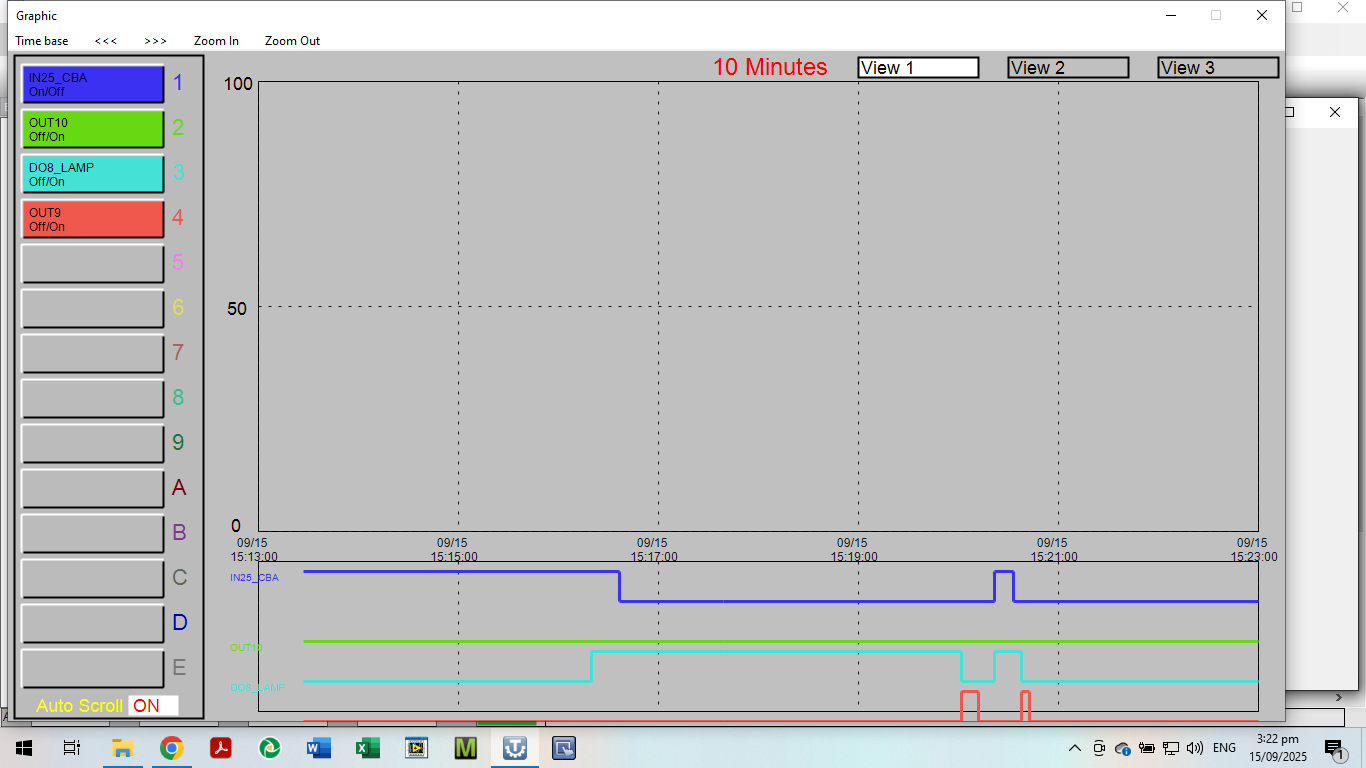
The (max) 5 digital input traces overflow below the Trend screen/window, so actually only 3 trend lines are visible - see screenshot. The 4th trace is just visible at the edge of the Trend screen border, but the 5th is invisible.
After reducing the input list to just 3, I can only see 1 trace
At one point I could see 5 digital trend lines but no longer - for unknown reason.
According to the user manual and T3000 Help topic, any attempt to trend more than 5 digital inputs is supposed to produce an on-screen warning that too many points have been entered. This warning doesn’t seem to happen - or else it is too subtle.
Has the warning been discontinued?
I notice that while the Trend-Graphic is running, I cannot bring another Windows app to the foreground of my desktop - is that something I can do anything about?
This is regarding using the original trend log tool.
Until the new trend format is completed, I just click the trend points on the left (1 thru E). For digital points, click the labels for the 1st 3 trend points to ‘low-light’ them. The lower digital points will move up into view.
For analog points, if you have one point that spreads the graph scaling more than you want, just click the label to low-light it and the scaling will adjust.
Also, when you low-light a label, you can read it - this gets around the color to text washout.
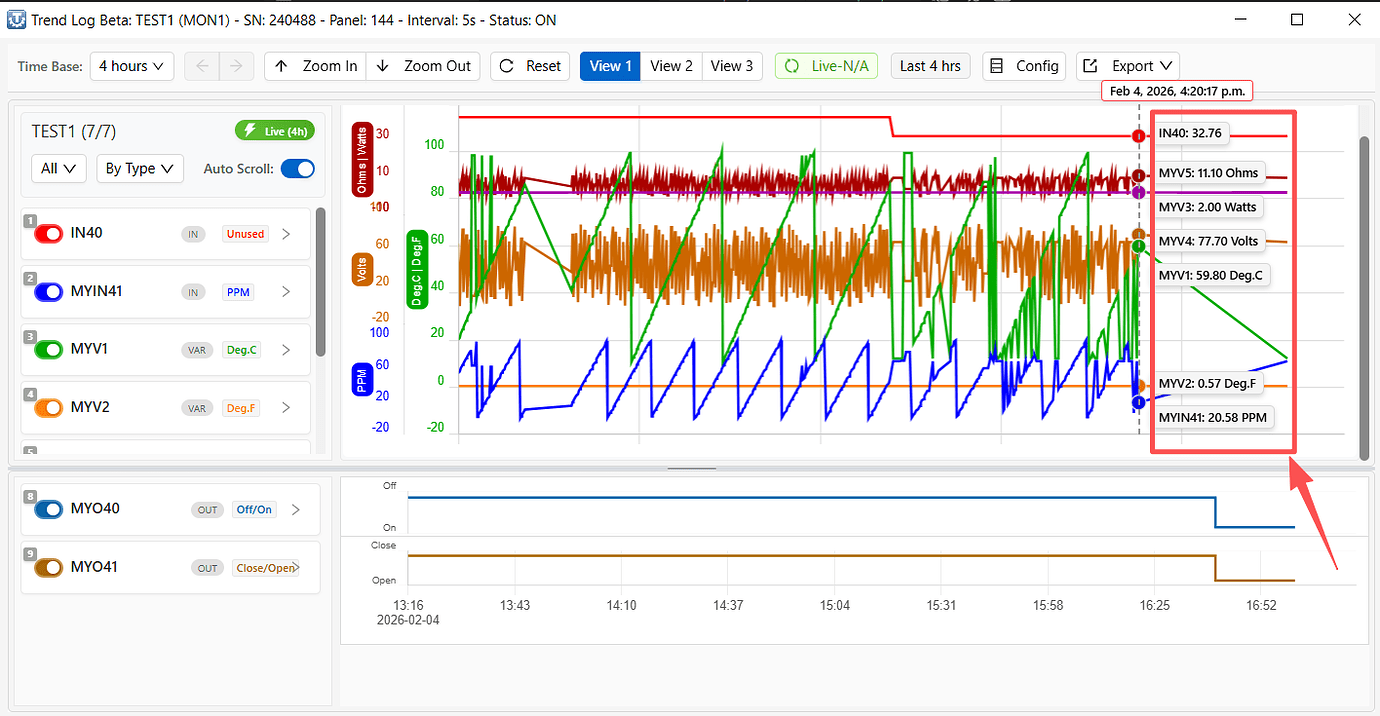
Also, right clicking on a trend line will display the value of the trend item.
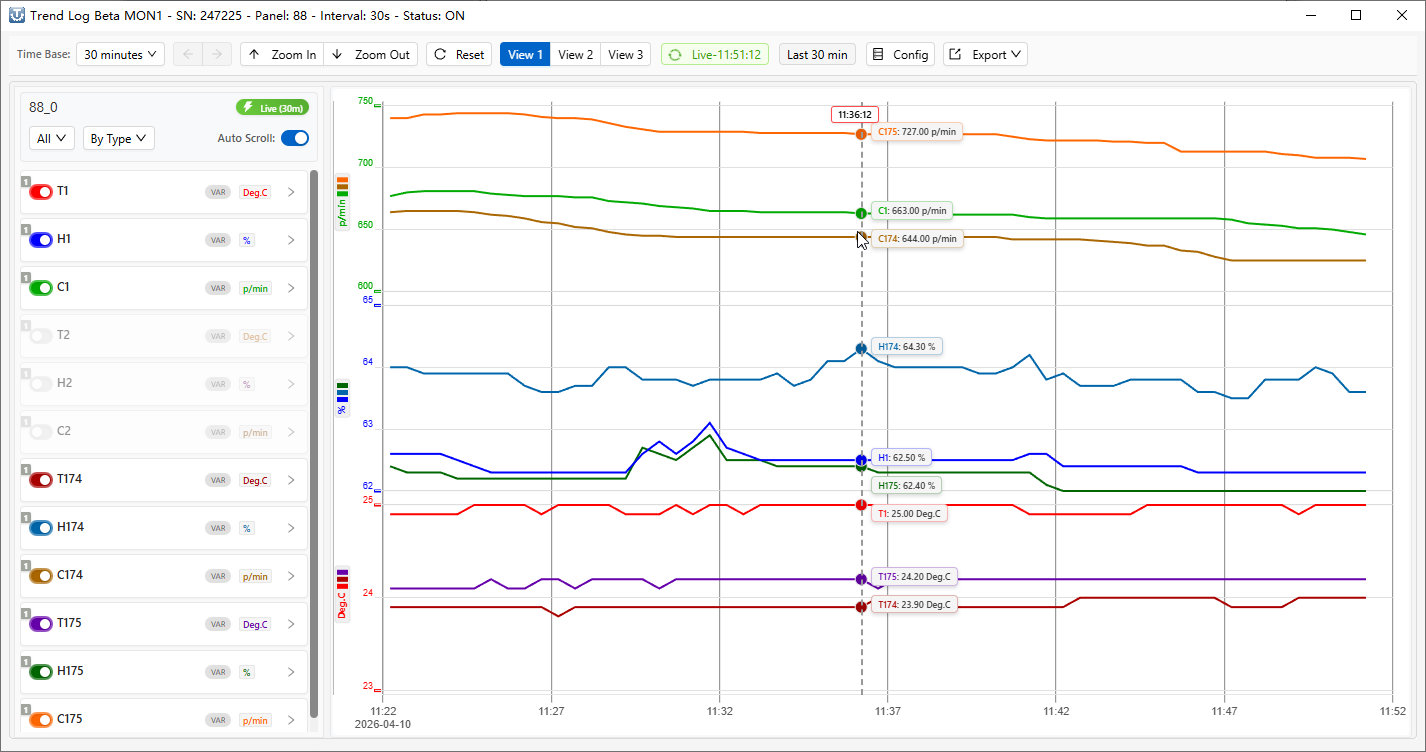
Have a look at the trend log system now, the guys have been putting a lot of effort into making a nice looking system. Make sure to update T3000 to get the latest features.
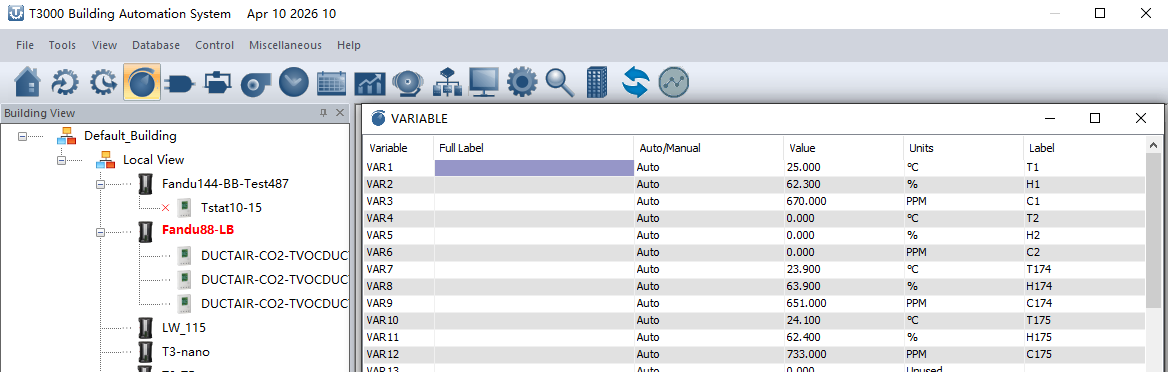
The version released on Apr 10, 2026 includes optimizations to the display of some Trendlog entries.
It also fixes several bugs where VAR10 and IN10 could not be displayed properly.