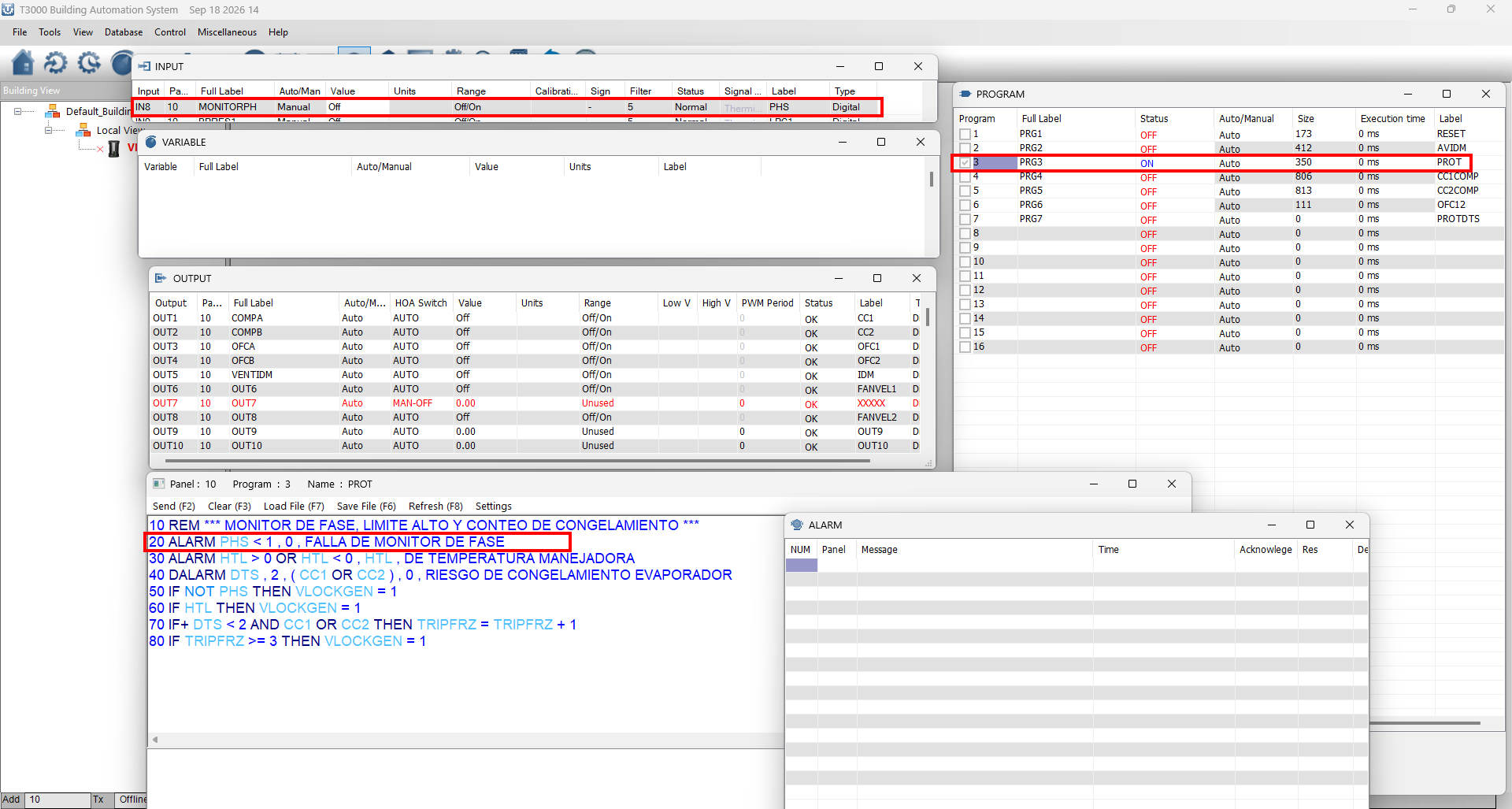
That is a screenshot of the outputs, you can turn them on and off in your programs, this will cycle output1 on for 10 seconds and then off for 10 seconds.
10 IF TIME-ON( OUT1 ) > 0:0:10 THEN STOP OUT1
20 IF TIME-OFF( OUT1 ) > 0:0:10 THEN START OUT1
To program the vars its pretty much the same thing , this program will ramp the var1 up to 100 and then set it back to zero, and repeat. Make sure VAR1 is an analog range for this to work.
The following keywords are currently not yet supported; they will be fixed in the virtual runtime in a later version.
Function
Issue
WAIT
Timeout is hardcoded to 1 second; the actual time should be read from the bytecode (Note: fixed later).
FOR / NEXT
Loop stack is managed internally in decode.c; the FOR/NEXT pairing has not been actually tested.
ALARM / DALARM
In the adapter layer, generatealarm only outputs TRACE and does not actually trigger the alarm; ON-ALARM depends on alarm_flag, and the VM may not trigger it correctly.
TBL
Table lookup depends on custom table data, which the VM may not have.
INTERVAL
Scheduled execution; the timing logic needs to be verified.
TIME / TIME_ON / TIME_OFF
Dependent on Rtc (Note: TIME was later fixed by syncing with system time).
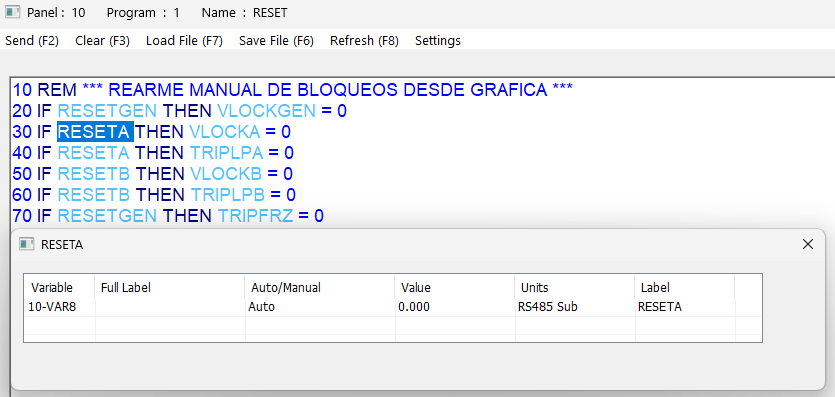
That’s great; I hope the simulation environment improves soon. I’m also using the RESET function, but I’m not sure if it’s actually working, as I don’t see anything happening.
I would like to know if, while in simulation mode, I can attempt to read values from a Modbus device—for instance, I noticed that T3000 includes a Modbus Poll function (a tool I use frequently). I would like to simulate a couple of registers and view them in the simulator, or assign a specific register to a variable (e.g., mapping Device 1, ID 10, Register 20 to a T3000 simulator variable). Additionally, I would like to know if I can customize the Tstat10 LCD to display specific values of my choice—such as the status of an input—and, if so, how to go about doing that.
Regarding the tstat10 display, its not very customizable. The upcoming tstat11 has a lvgl like environment where you can customize the display. See the receipt post on this forum about the new web based t3000, it shows off a few of the features
Hi Maurice, thanks for the quick reply. I’ll migrate my project to the upcoming Tstat11 and keep an eye out for the launch—that actually leads right into my second question regarding the web version of T3000.
What is the difference between the current desktop version of T3000 and the new T3000 Beta version? I’d also like to know if the new version will replace the official one—or what the intended purpose is—and whether it will be possible to migrate my projects from the current version to the T3000 Web Beta.
There’s no difference, they are both running. You can switch between the two version by clicking the top right chrome/t3000 icon at the top right as shown in the blog.
I would like to know if the simulator supports the visualization of a simulated Modbus device, If possible—I’m not sure if what I’m doing is correct or if I’m doing something wrong—I would like to assign the value of a record to a variable so I can use it in my PRG.
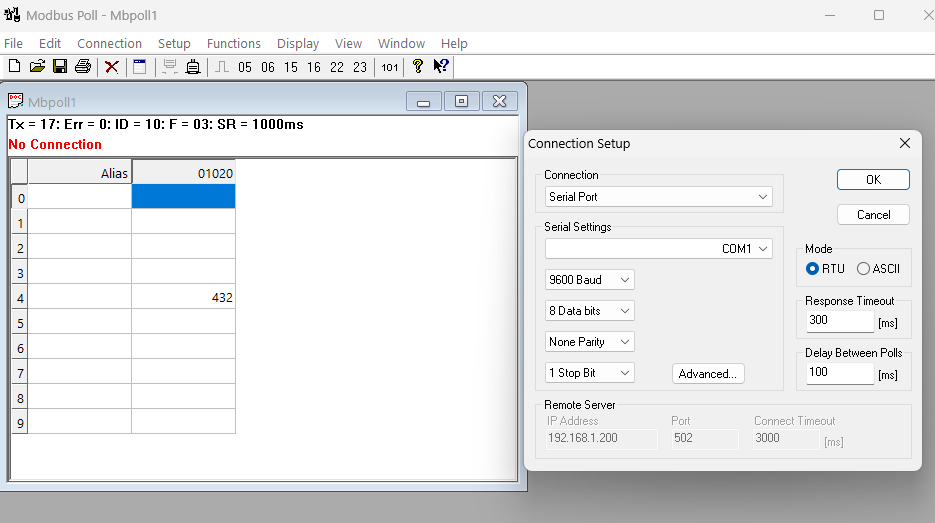
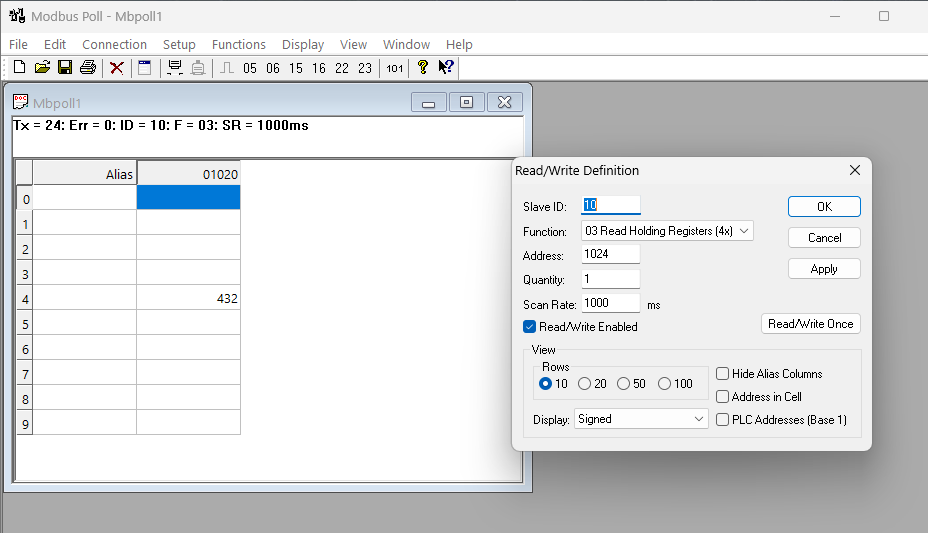
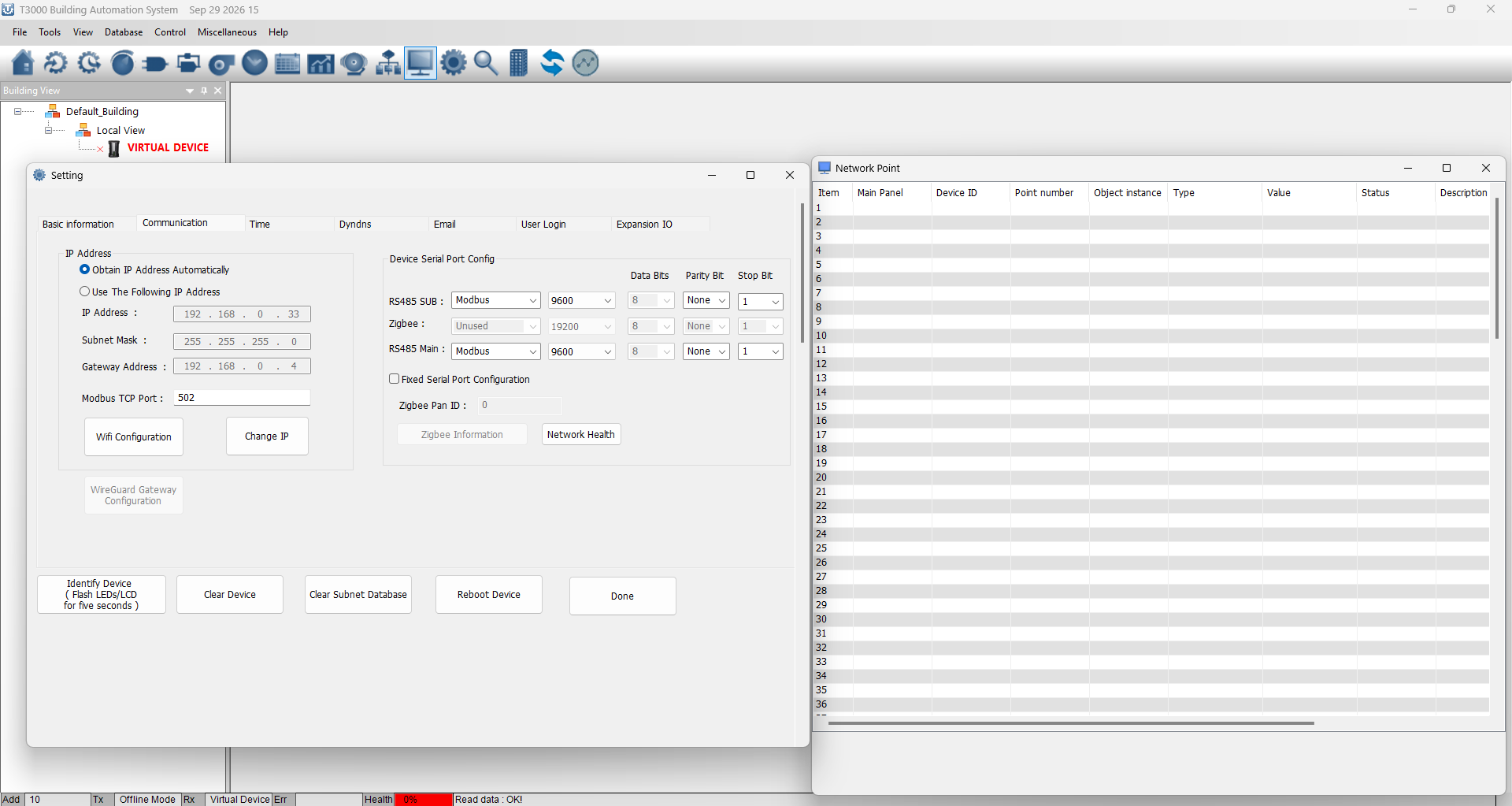
Hi Maurice, I hope you’re having a great day. I’d like to know how to view data from Modbus with the simulator; since the T3-BB has a physical port, there’s no need to select a COM port.
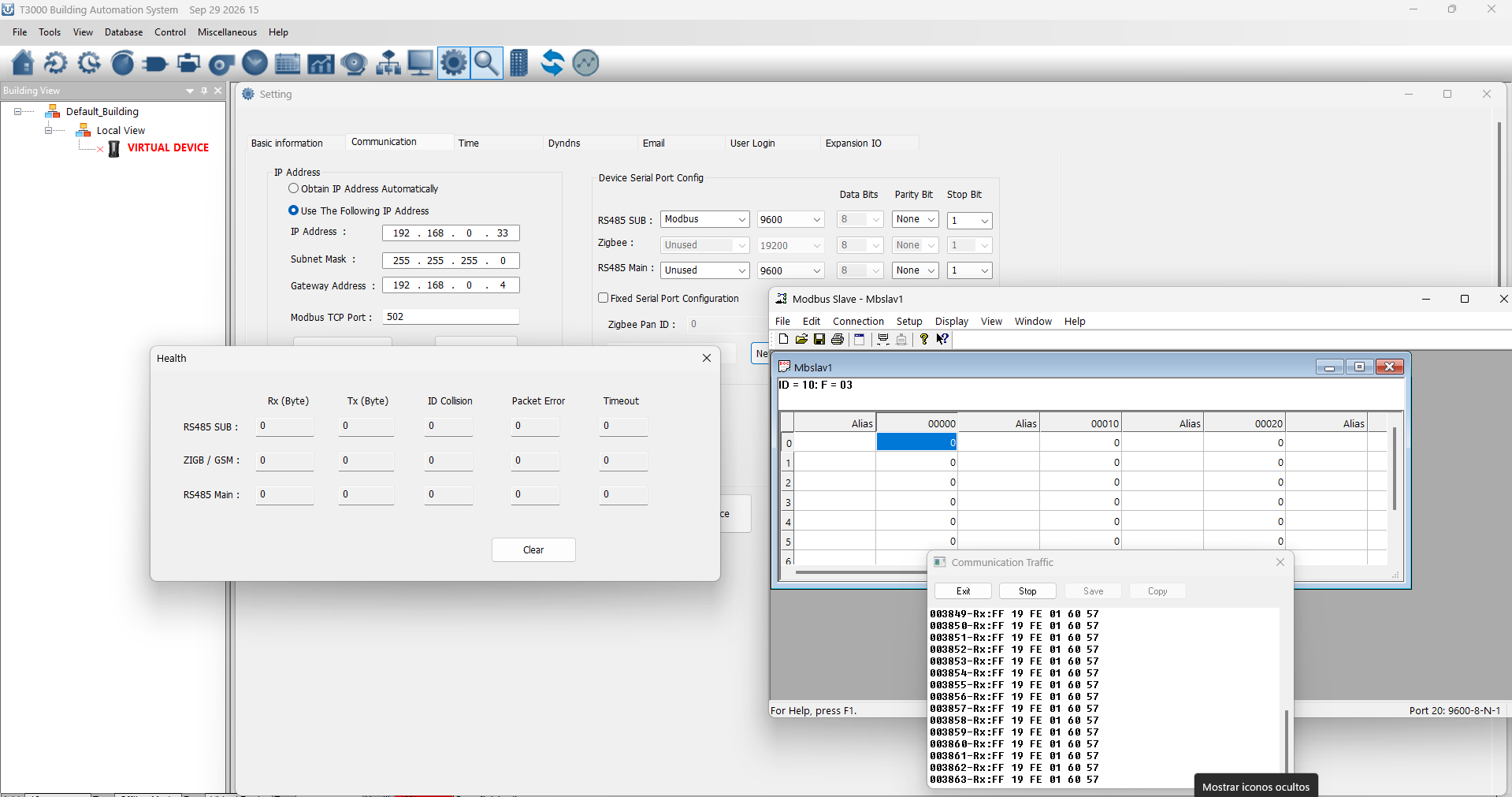
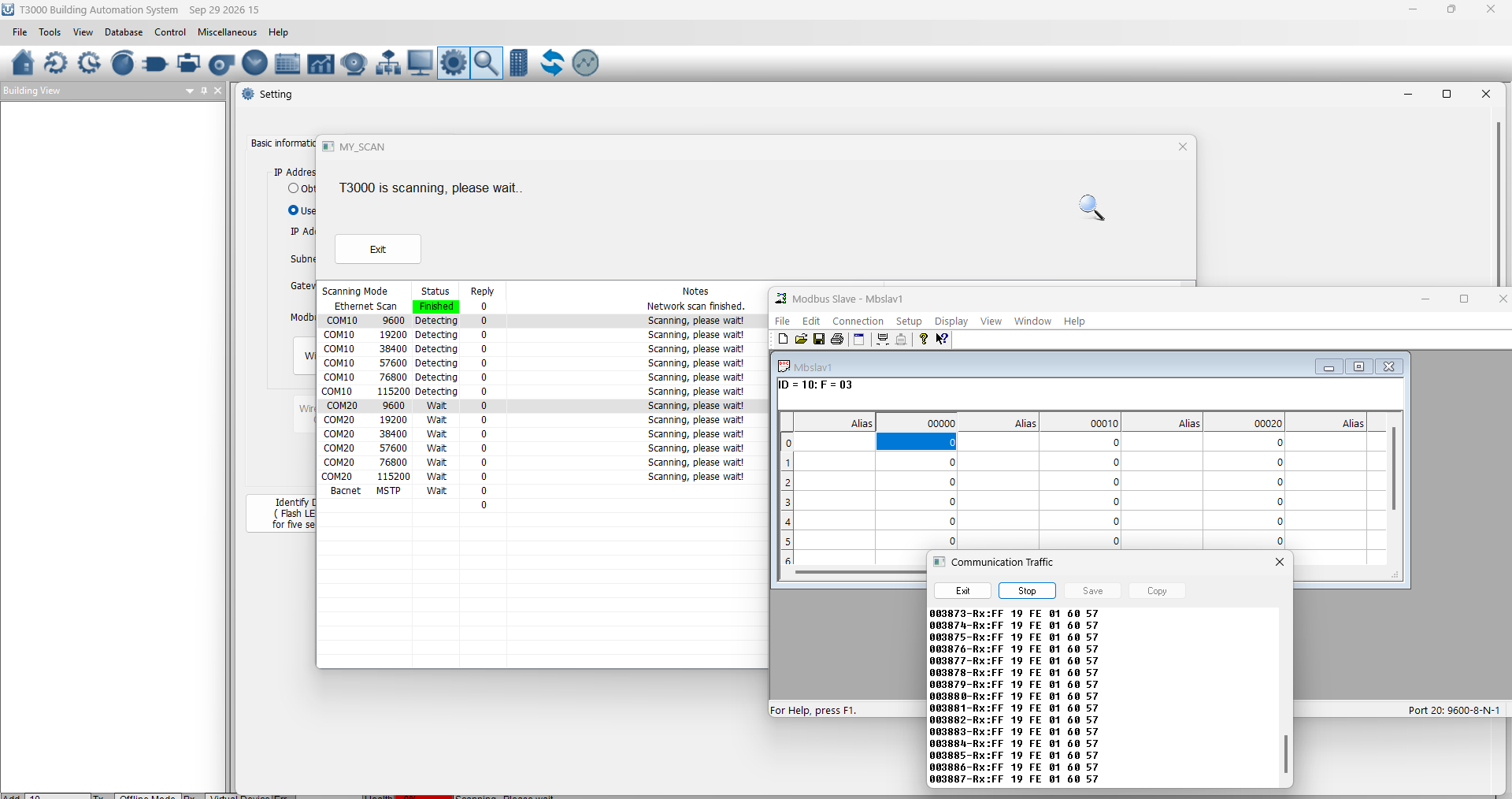
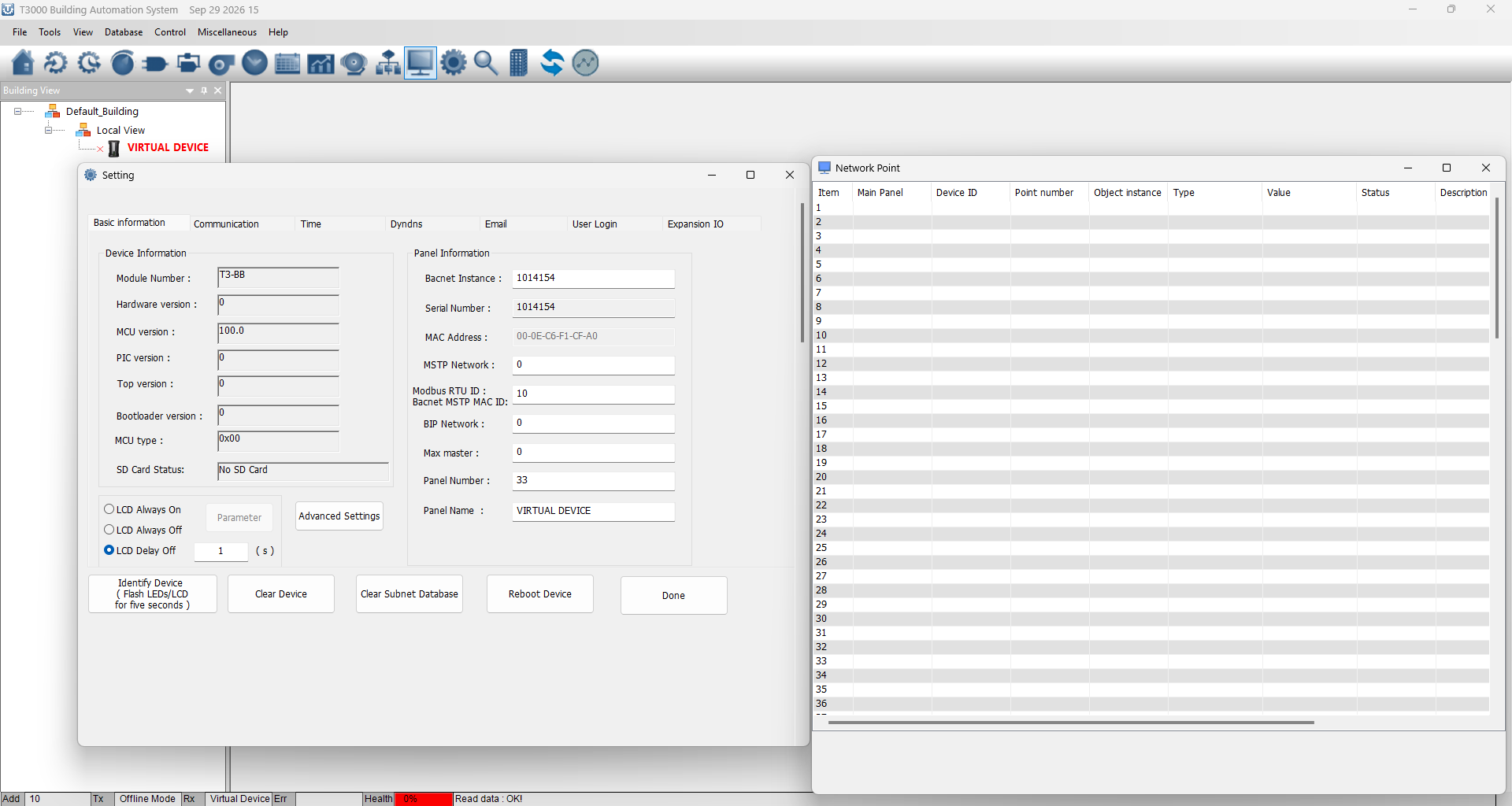
I have a Modbus device that I can view on my PC using Modbus Slave and an RS485 to USB adapter—I can see the registers perfectly. However, I’d like to know if it’s possible to pass that data to a virtual device and how to go about it. I spent hours reading the Network Programming Overview but didn’t find anything regarding virtual devices. I’d really like this to be possible so I can start integrating my operational logic. I’ve attached some screenshots, Even if I want to query the virtual device for the value of a variable from a third-party device, how would I do that?
I would like to view this register in a simulator variable; how can I get the simulator to see my adapter’s COM port so I can access the register using its specific ID?
The new programming sounds great. There seem to be a lot of changes with the esp32 platforms coming out.
I have the T3-BB and have yet to program it for my HVAC system and tie in all the different sensors and create the logic.
I was wondering if the esp32 platform is easier to program or if the Sedona would be easier and if so, is it better to incorporate an esp32 device and use the T3-BB as I/O only?
I know I’ve been messing around with Claude and Grok for Home Assistant and it can save a lot of time and maybe that’s the direction to go since I’m not doing this for a living and don’t have the bandwidth to up to speed for control basic as quick as I’d like to, but do understand much of the logic. This seems like it would open up so many possibilities to tie my systems all together.
Additional question is the new Tstat11 something I should consider? I need 10 room thermostats and like the look of them, but also would like to be able to have them programmed to integrate into mini Home Assistant dashboards in each room. Is this possible? Or would it be better or possible to use something like Guition ESP-32 (4" Wall Panel) or a MaTouch ESP32-S3 Rotary 2.1"?
What is the resolution of the Tstat11 and what are the capabilities with the above in mind?
I will suggest picking up one of the Tstat11 as soon as they are into production, you can edit the screens in the same spirit as Squareline. In a matter of a couple weeks we will be sampling.
Sedona is a separate world, some people have it running on our hardware. We support them spiritually but not actively.