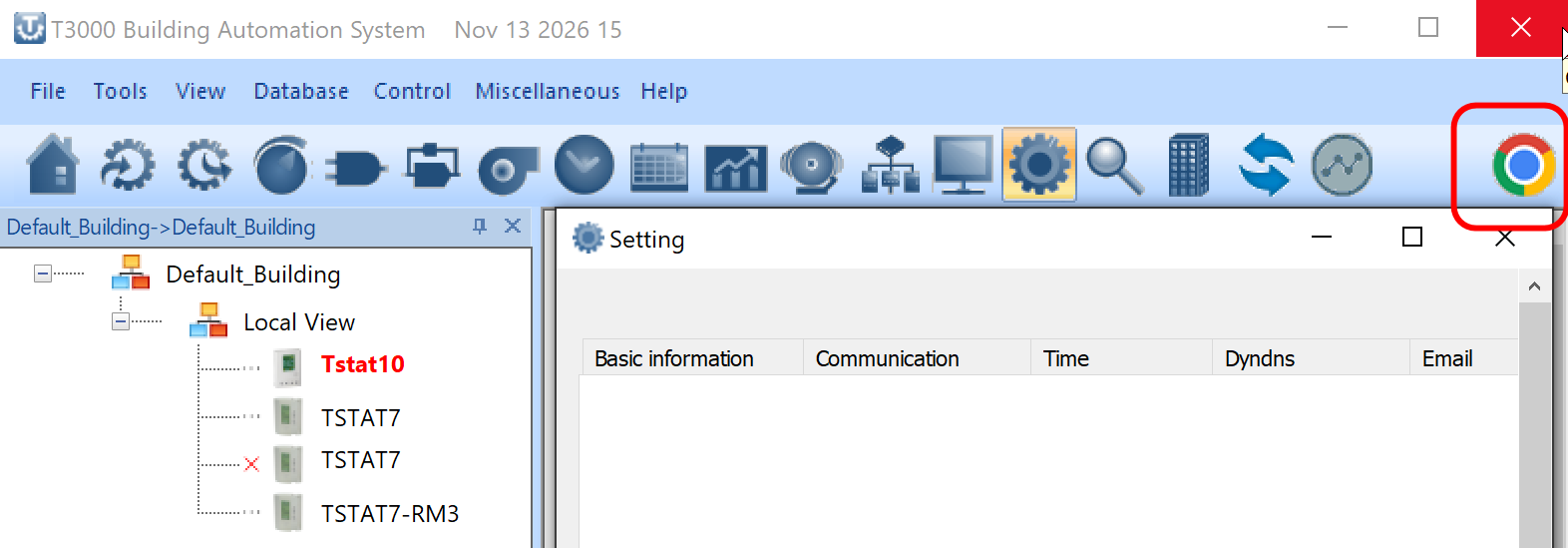
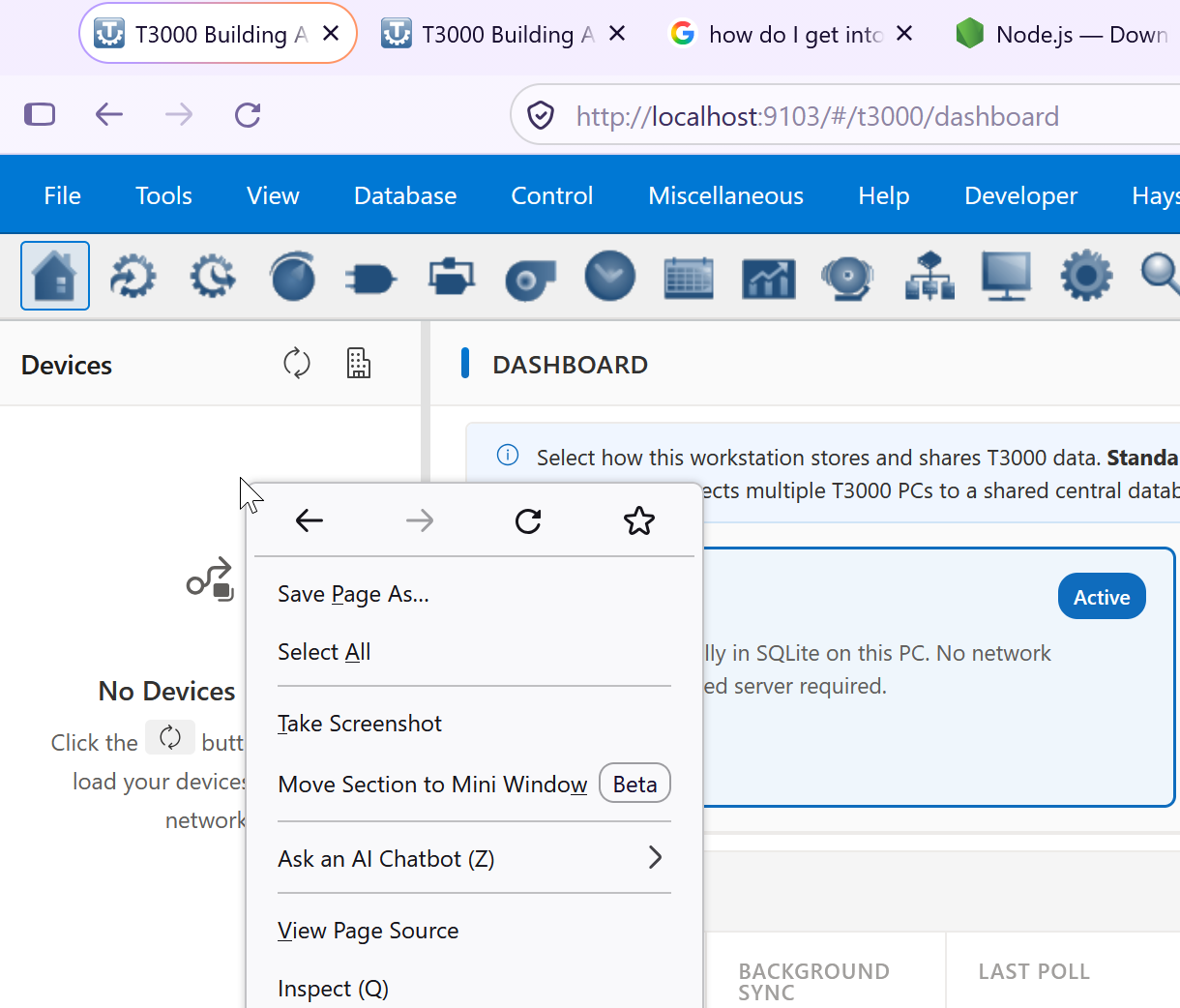
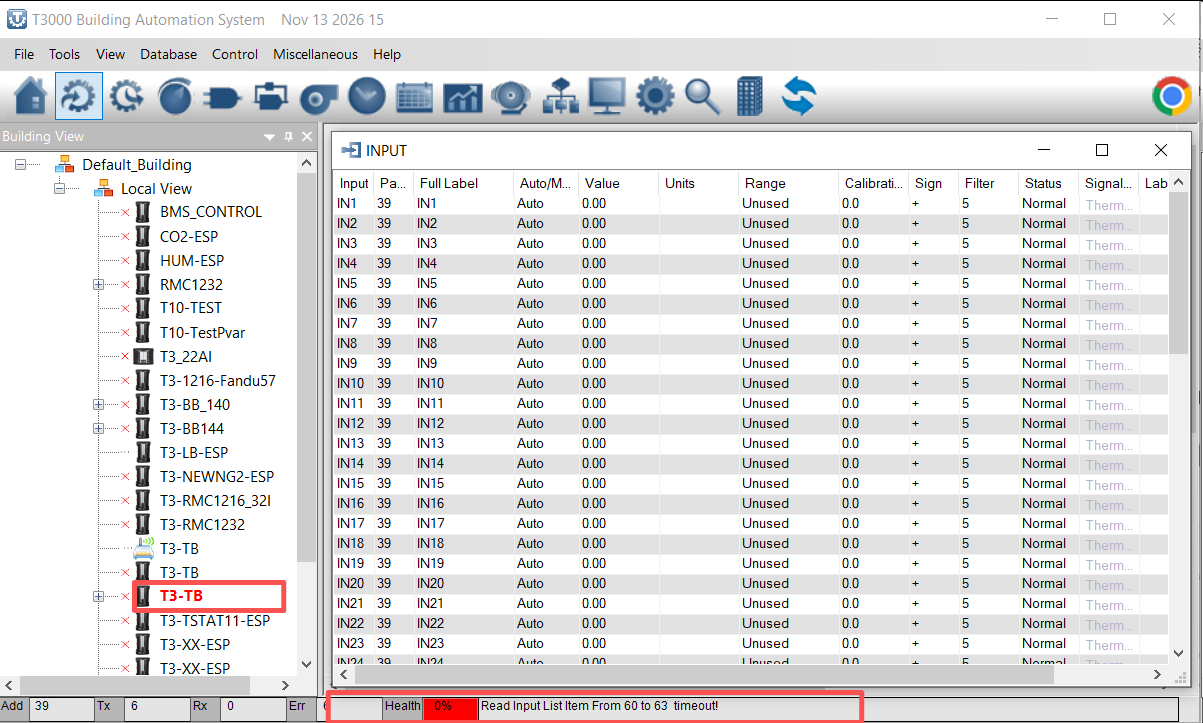
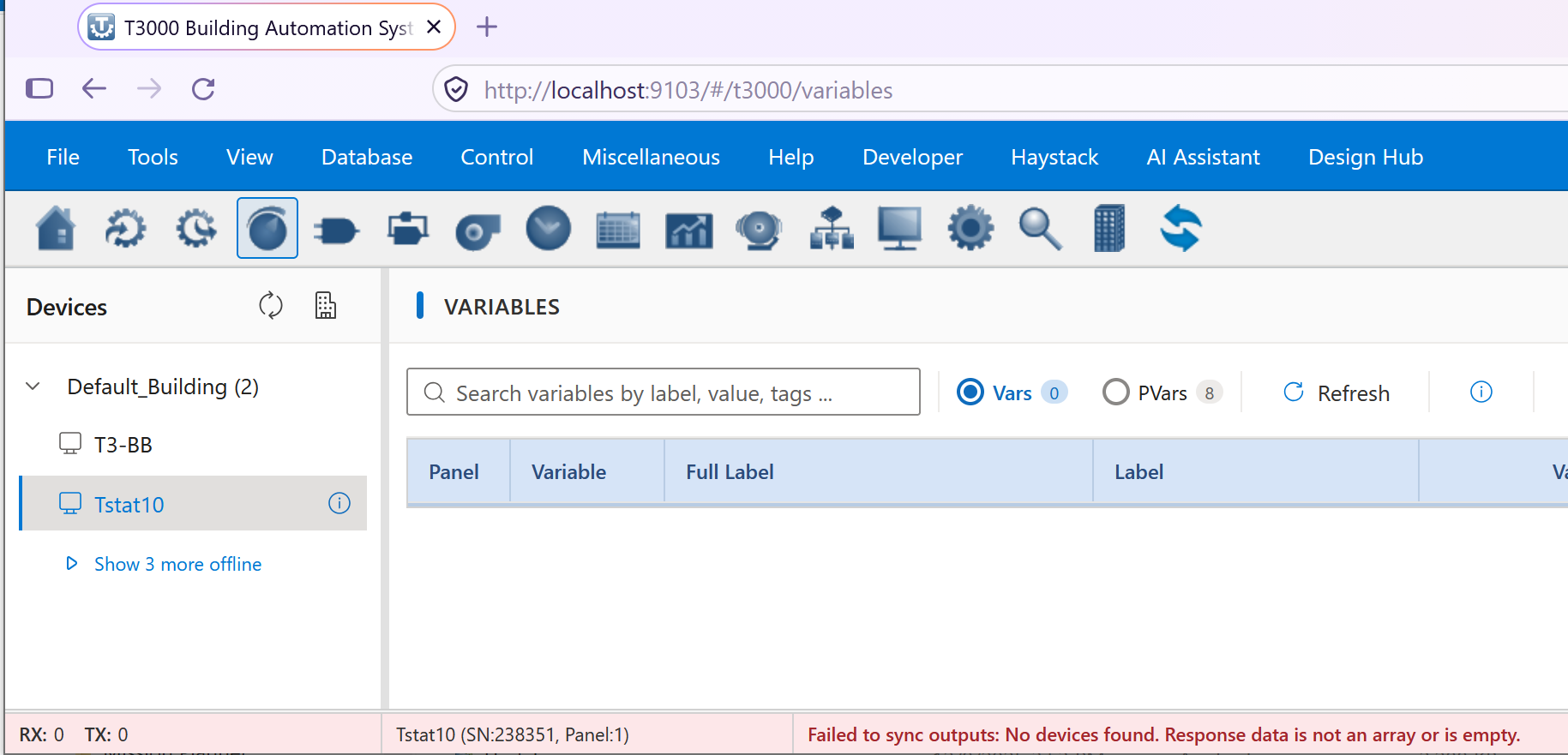
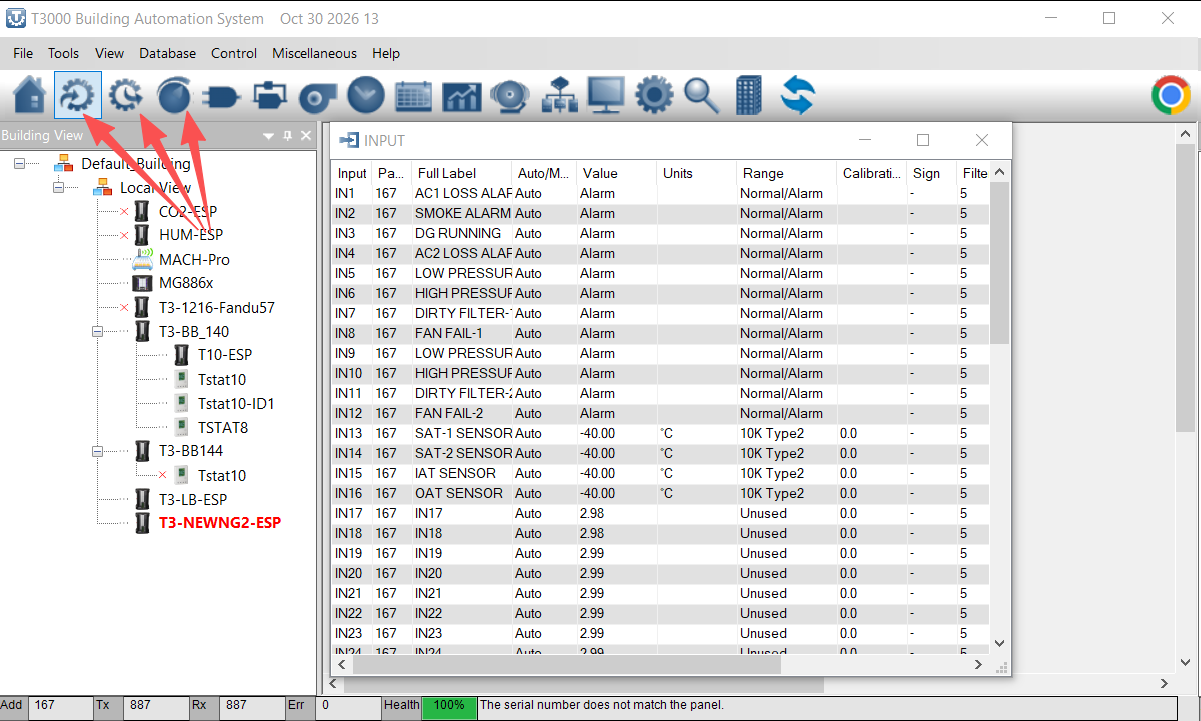
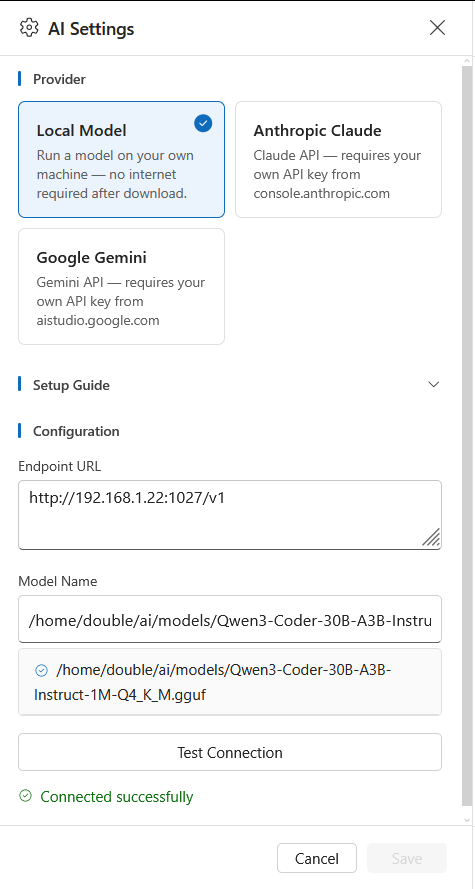
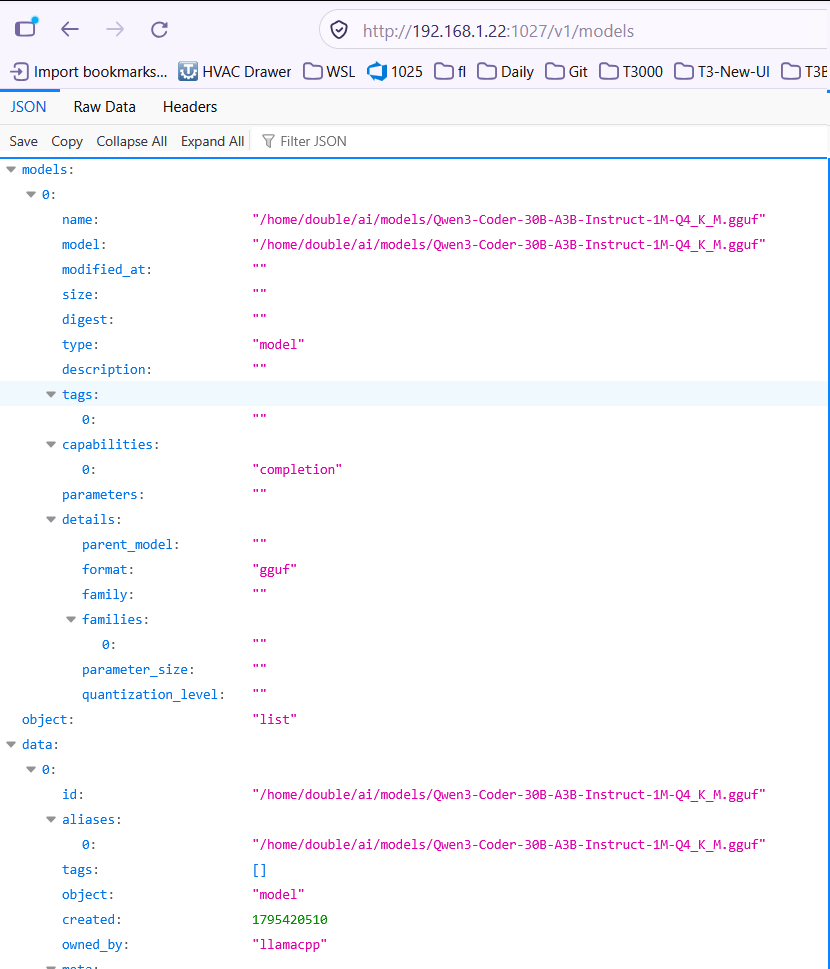
Here is the application and then pick the chrome button to go to the web app and no scan will happen. It brings up 2 dialogs asking for Port and Protocol (com8 and MODBUS_RS485) and hit refresh and nothing.
@qiaonuo thanks for some basic debugging last night. We saw that the COM8 that T3000 is using says in the debug log the message:
INFO t3_webview_api::lan_scan::serial: [lan_scan] serial COM8 scan failed: cannot open COM8: Access is denied. (os error 5)
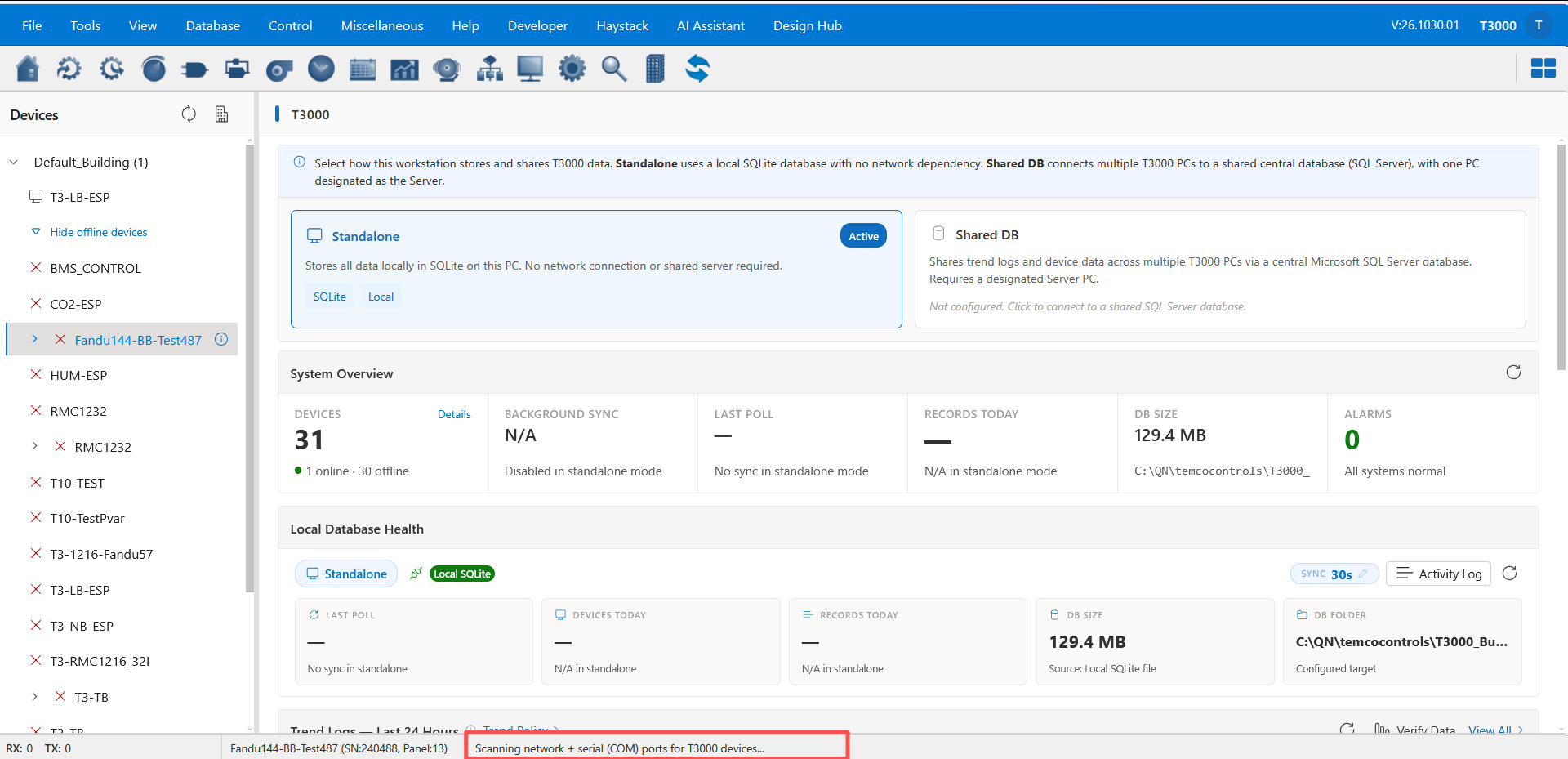
So when I open the Web View, and refresh no devices show upon refresh and I have a T3000 and Tstat10 currently connected.
If I select TOOLS / Connect, then it prompts for the COM port and I enter COM8, (Is this correct, should it use the same port as T3000 without conflict, otherwise how does it use the same communication port that T3000 application is using?) Next, it prompts for Protocol and I enter MODBUS_RS485.
Please let me know the next steps as this is stopping me from trying the integrated AI tools.
Please keep T3000’s current configuration as it is for now, so that it can load the device information.
Based on the log, we have made a fix and added a path for this situation: when T3000 loads data over RS485, the COM port is already in use — so we changed the WebView to load the data from T3000’s internal data instead.
I finally set my default browser to Chrome, then had to refresh a few times and within the browser window did that as well and the data started synching. It seems to be working now, but having an issue with Claude writing the variables and it was starting from zero instead of var1 and not having success when it tried to write the variables back and had done VAR3, from the old value it downloaded, it had cleared all variables except 3 which it wrote back correctly.
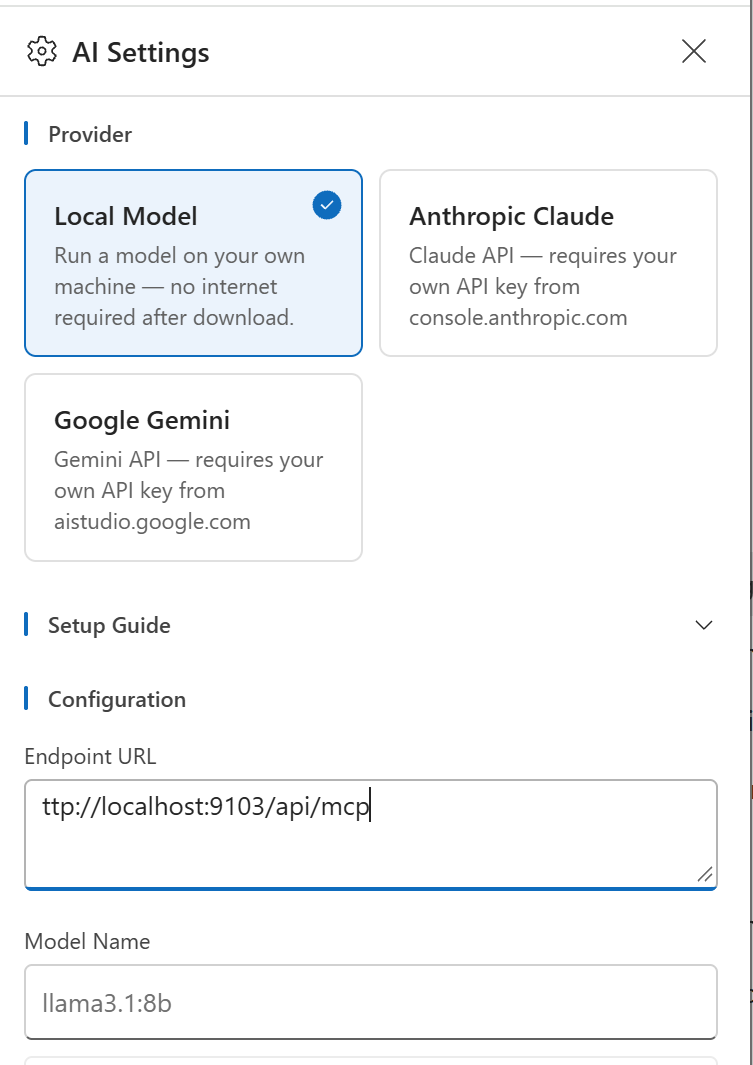
Are you using the AI assistant to write the values back? If so, could you share a screenshot, or tell me which API is being used in the AI Chat panel? I will help check it — and please share the t3-webview-api-dll.log again.
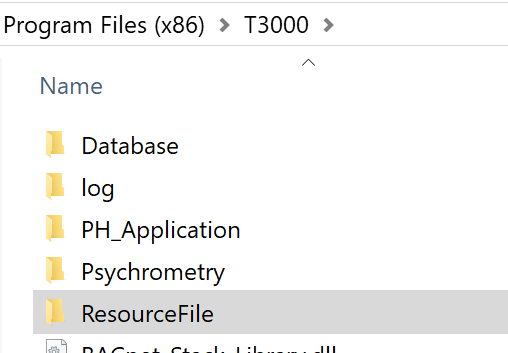
There is also some runtime context at C:\Program Files (x86)\T3000\T3Web\ai-assistant — please share that with us as well.
Yes, was trying to use Claude to write to the web interface. I will find the logs. I didn’t commit any changes from Claude. I tried the csv export/import and it wrote values for the variable names correctly, but the units are messed up. Trying to write ºF and it would be heat/cool or close/open.
I then tried to change the UNITS manually and when I make a change, it would write all rows with the selected value.
I changed tabs to get the screenshots above and now the units seem to change on the one I’m on, not all of them.There is something funny going on there and not sure I can trust it.
Is it possible to share some conversation context from your Claude session, along with some screenshots of when you update the value from the web interface?
We’ll have to ad you to the collaborators soon. This is where things are heading gentlemen. Once you get the workflow going with your agents and ours, this system will fly.