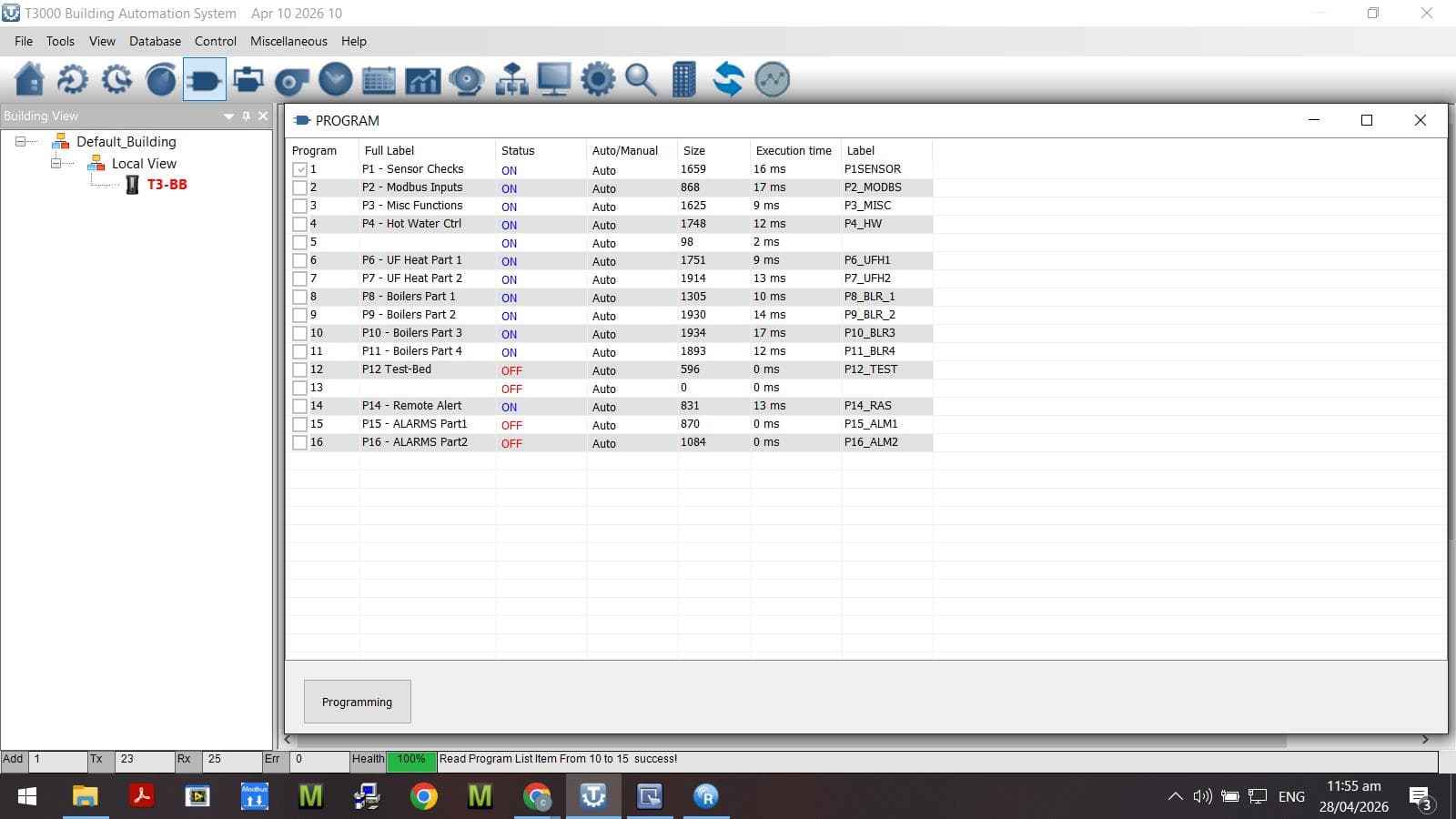
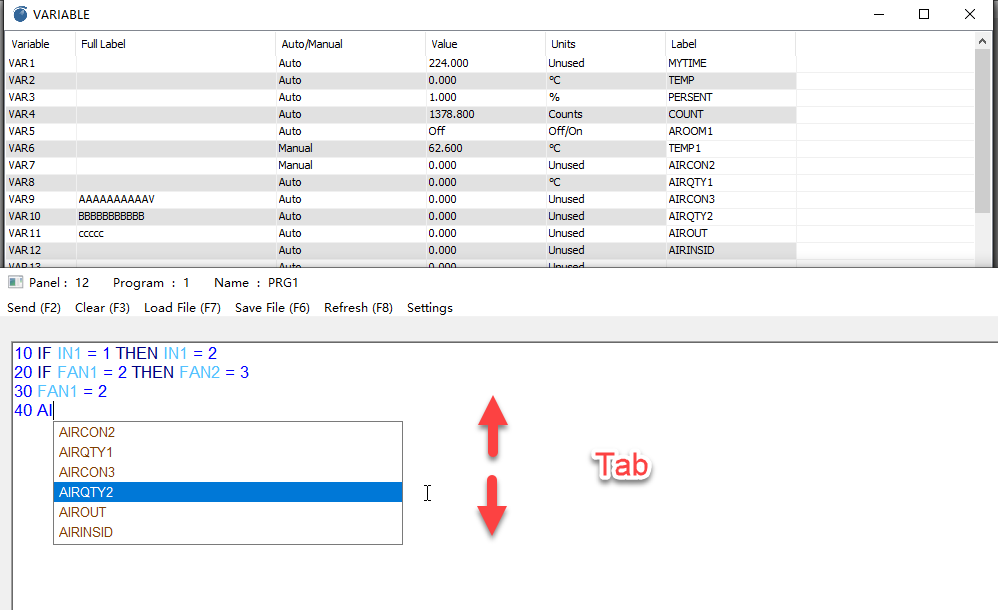
I have noticed after a recent T3000 update that the window sizing controls are missing from the top-right corner of the individual program editing window. For my laptop screen arrangement this also means that the live syntax checker at bottom of screen is not visible. (I used to click on full-screen-window, then part-window to bring the bottom box into view.)
Below are screenshots showing the programming “summary” window which has the sizing controls and the individual program editing window with none.
As it stands, there is no “pre-send” error checking. I see that the “resource compile succeeded” message appears after a successful “send”.
They used to be there - please reinstate.
I should mention that the update brought some useful features:
- attempting to send with syntax error(s) does not blank the edit screen

- prompting of defined input/output/variable labels during entry (although there doesnt seem to be a way to trigger auto-complete)