HVAC Drawer

Hi,

Was just trying out webview for the first time. Want to add a jpg for background image (floorplan), and I can add it to the user tab, but it doesn’t save for some reason. I can either drag and drop the image file to the add image box or I can browse. I click save but it doesn’t save. I must be missing something simple. This is latest firmware in panels, 68.9 I think, and Sept 29 T3000.

Jim.

Could you please share some screenshots to help us investigate? We’re also happy to connect remotely to find the cause

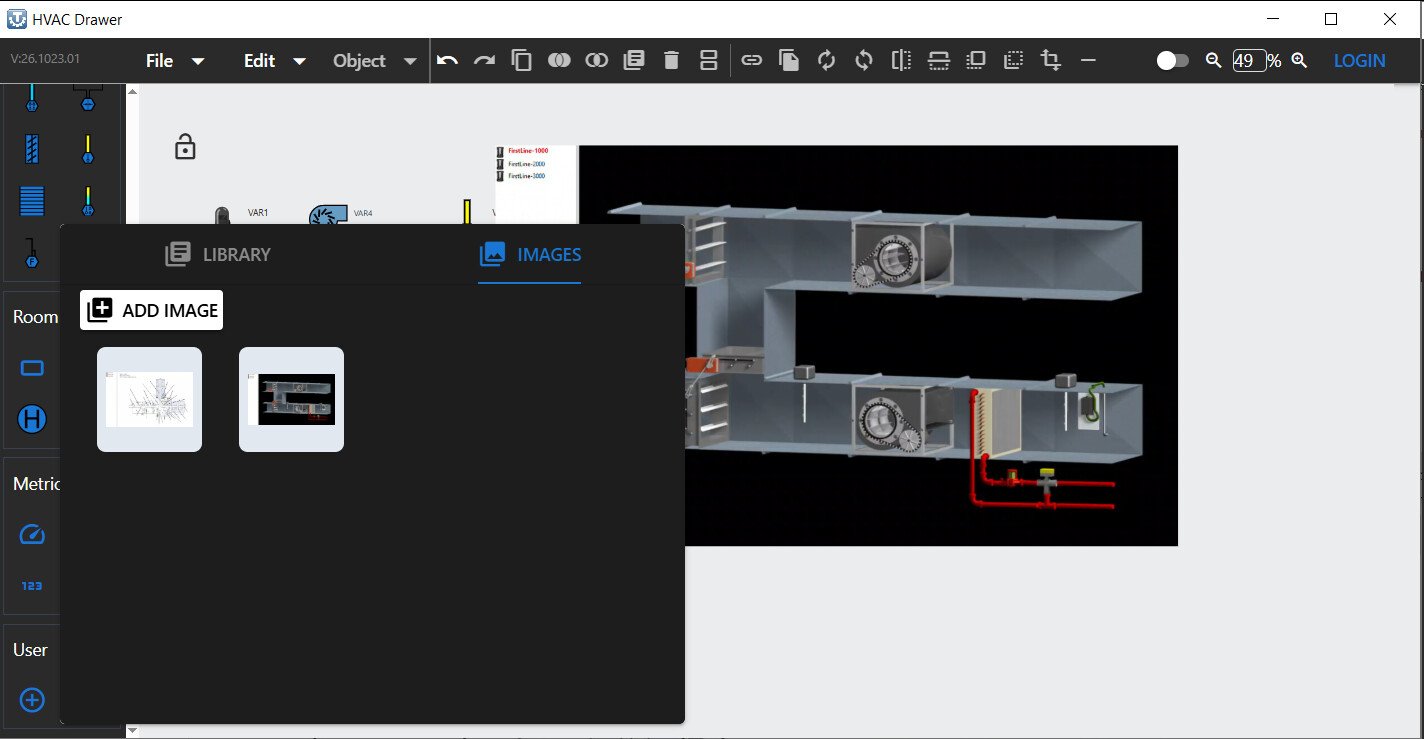
Ok here is HVAC Drawer: I click to add image, browse to select the file, click ok, it shows in the images window. I click save, and it is gone.

Thanks for sharing. I’ll check it and get back to you later.

any updates? Just wondering what to do

Has anyone else seen this? Is it just a “me” thing? need to be able to upload site specific graphics like floorplans. See examples of this online, but not working for me. Is there a folder I can manually send them to?

Nudging ChenBin on this now

We fixed the image upload and loading issues yesterday and plan to include the fix in a release next week.

In the meantime, I can provide remote assistance and be on standby to apply a patch if needed.

The image folder is located at:

C:\Program Files (x86)\T3000\ResourceFile\webview\www\uploads

Hi there, I placed my file in that folder, but it does not update and show it.

Is there a particular image size, dpi, or dimension, format?

Can you just send me the patch and let me know how to apply it? I am very saavy with this kind of thing.

Need to get their graphics resolved, like yesterday. Winter is upon us here.

Jim.

Please download package 26.1023.01.rar, unzip it, and apply it manually as follows:

1. Copy t3_webview_api.dll, t3_webview_api.dll.exp, and t3_webview_api.dll.lib to the installation root folder: C:\Program Files (x86)\T3000\

2. Copy www to C:\Program Files (x86)\T3000\ResourceFile\webview

3. Copy t3web to C:\Program Files (x86)\T3000\ResourceFile\webview

Restart the application to verify.

Hello,

I will follow the instructions a second time, but so far, no change. I also restarted the computer.

Jim.

After applying the steps, please check the version number. If it still doesn’t work, delete the old www folder first, then copy it again. If that doesn’t fix it, please share a remote access session (RustDesk) and I’ll help you check

Ok will check that. Client IT was not supportive of a 3rd. Party. May have to bounce you through my remote conn

I saw a new version posted in the ftp. still no luck with the image file upload. Will share some more screen clips for version info as well as a number of oddities when building graphics in hvac drawer.
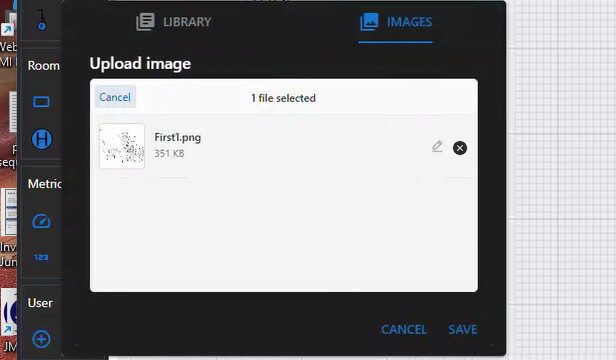
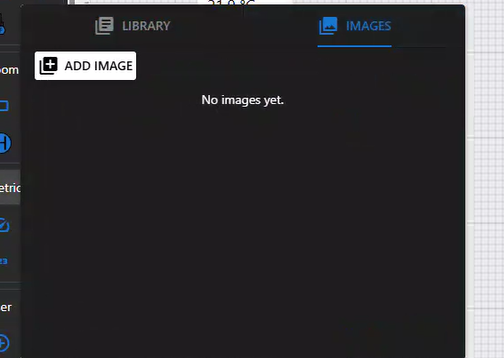
The latest version is 26.1030.01. Please try it and share the screenshots. If you need help, you can also reach me via RustDesk for remote support.