Download or clone the open-source T3000 software from GitHub
The software address is as follows:
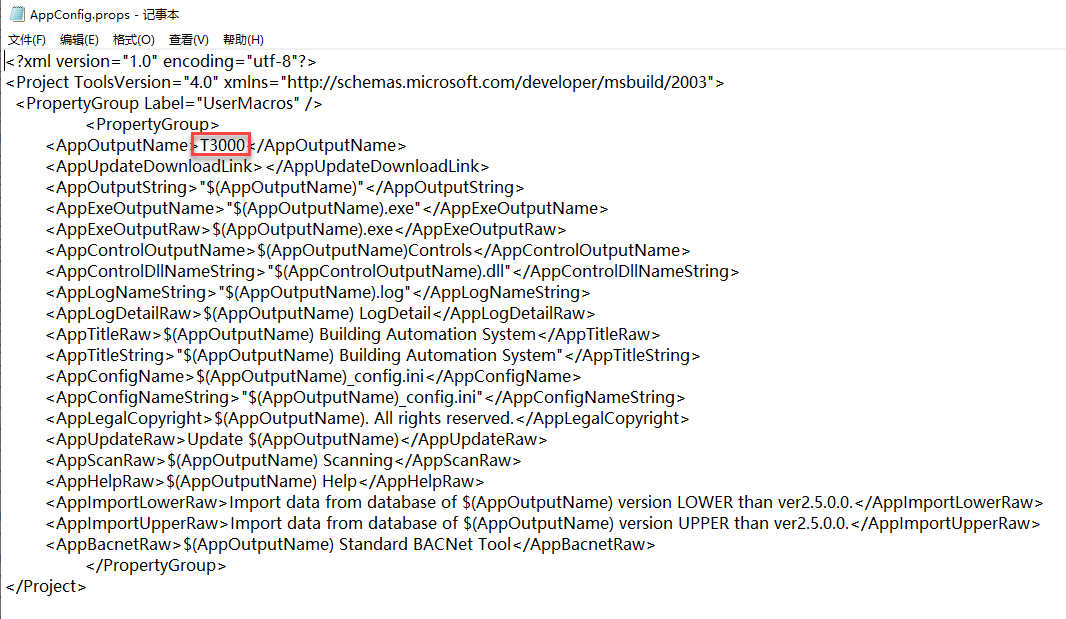
Modify the AppConfig.props file in the T3000_Building_Automation_System folder under the main directory.
Rename “T3000” in the file to your desired brand name, e.g., “MY_UPDATE”.
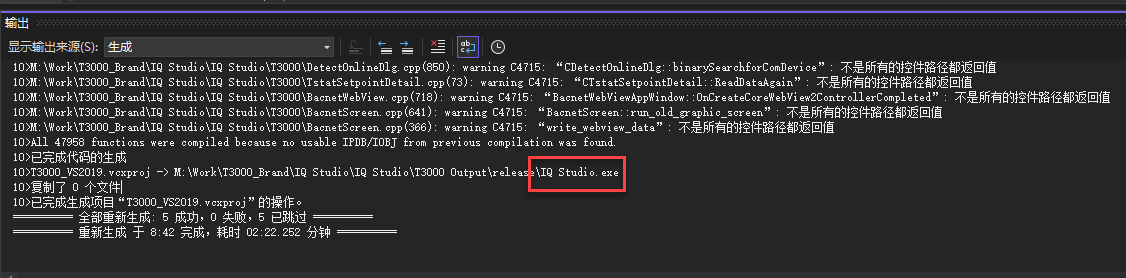
After recompilation, all instances of “T3000” on the interface will be changed to MY_UPDATE, and an executable file named MY_UPDATE.exe will be generated.
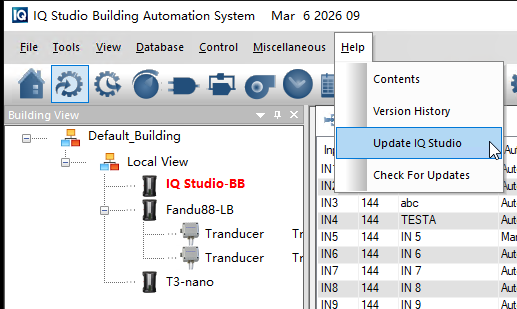
In addition, the update function in the Help update interface can still be used to update the software. Each software update is consistent with the official releases from Temco and does not require republishing by a third party.
Of course, Temco staff can also help you generate the installation file with your custom name.
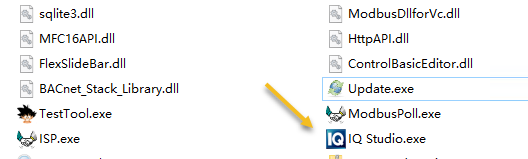
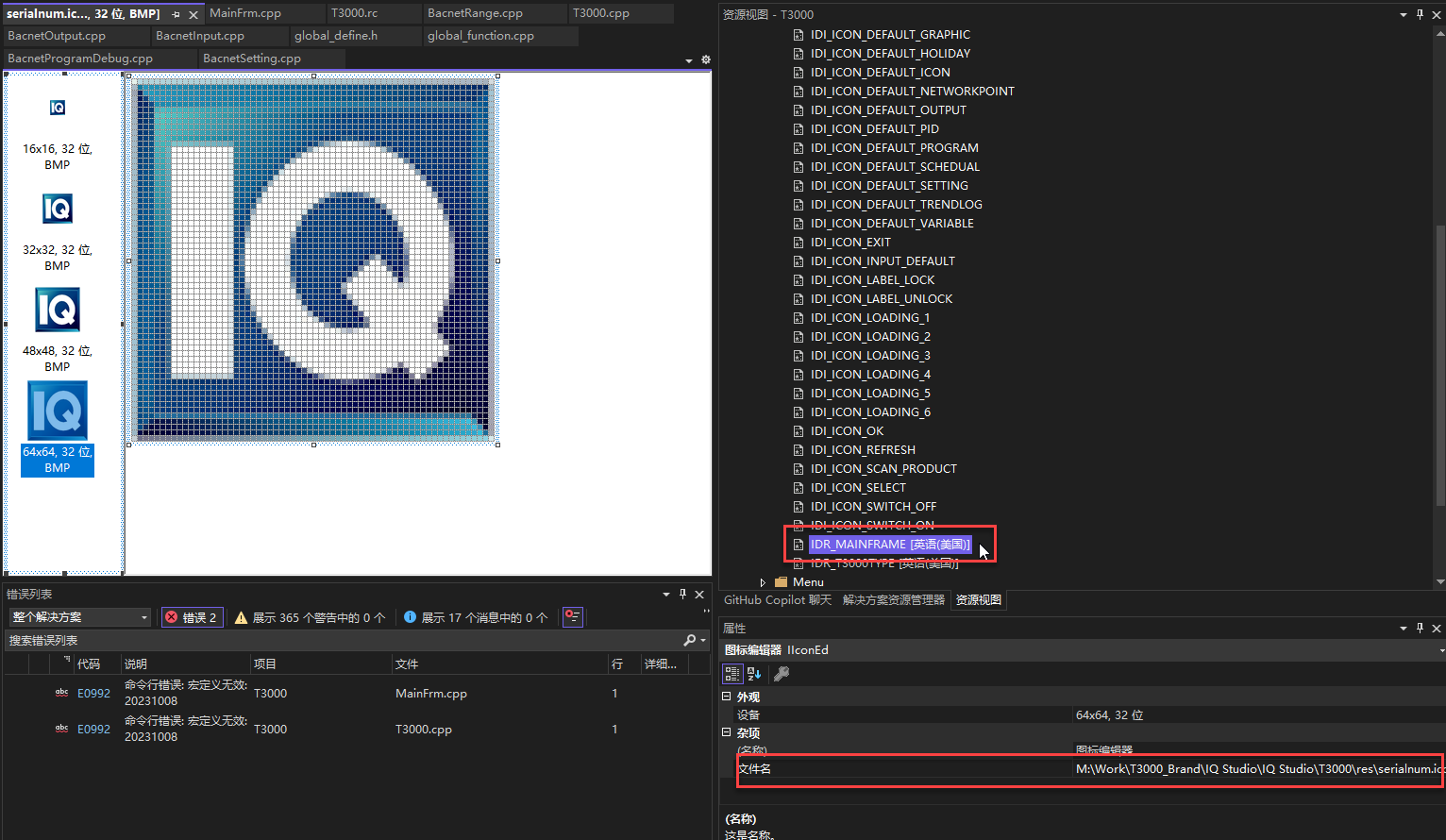
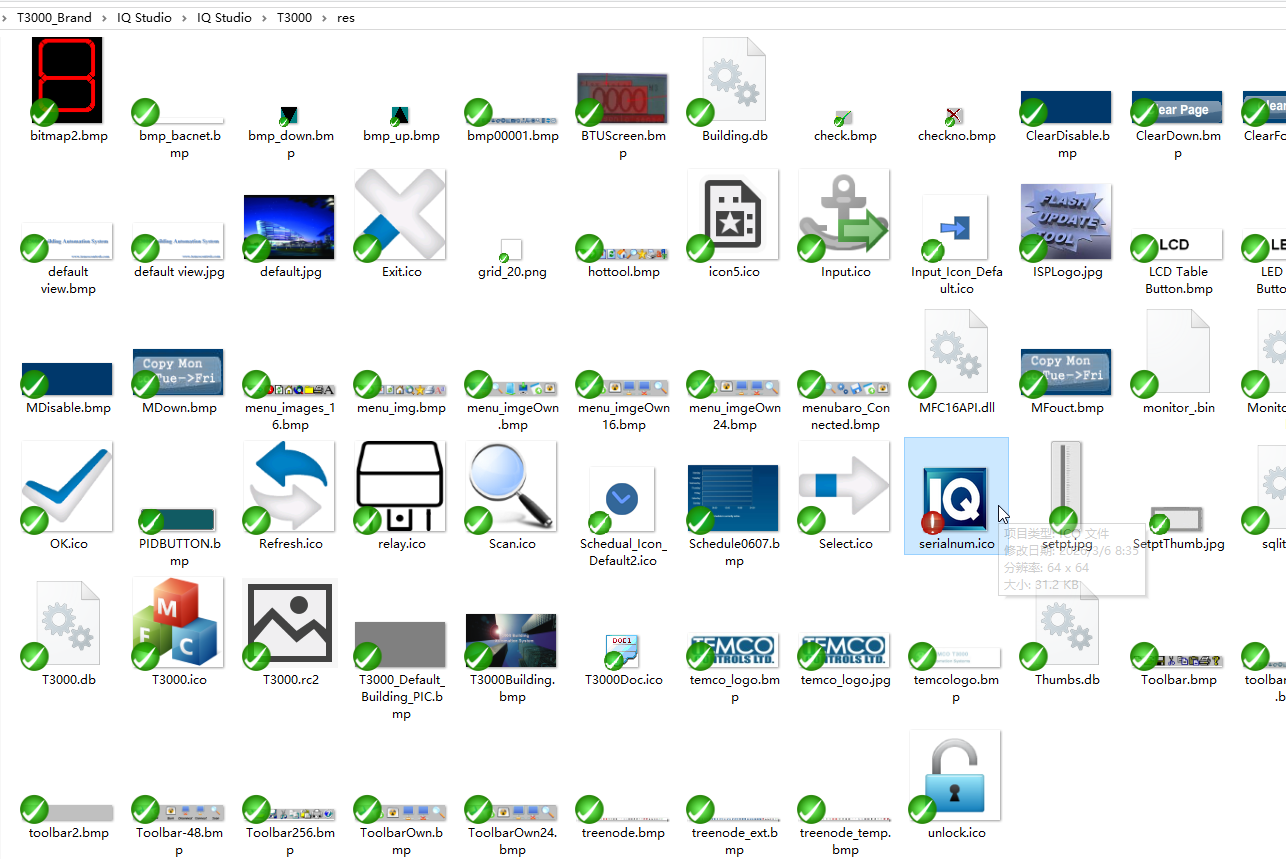
Replace your desired custom icon.
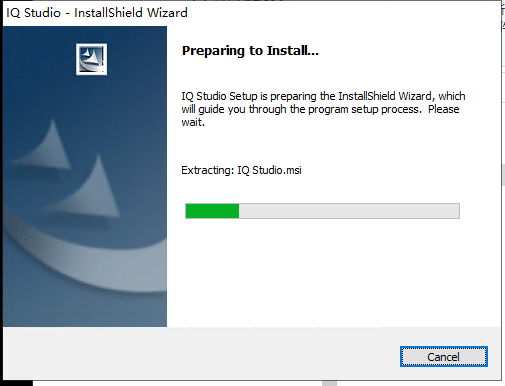
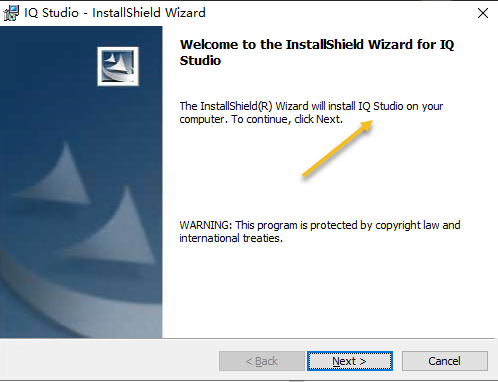
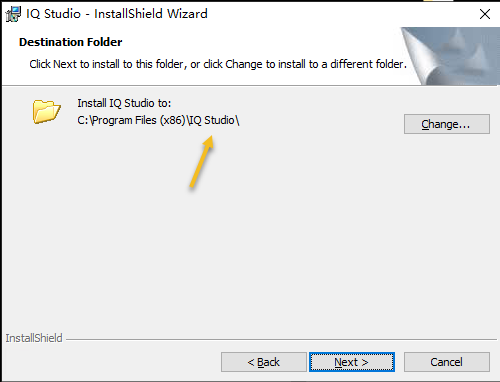
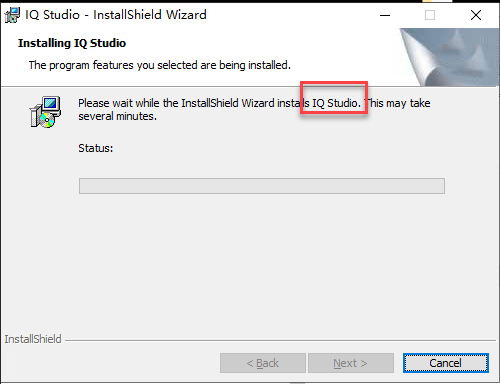
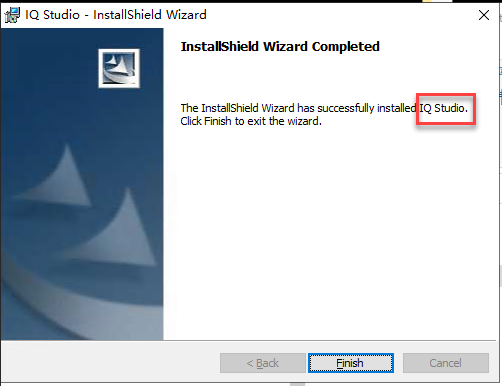
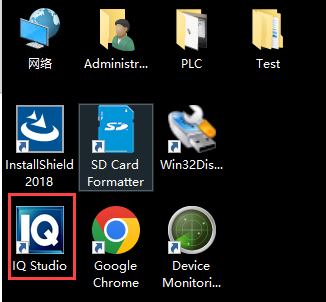
The installation package is generated using InstallShield 2018.